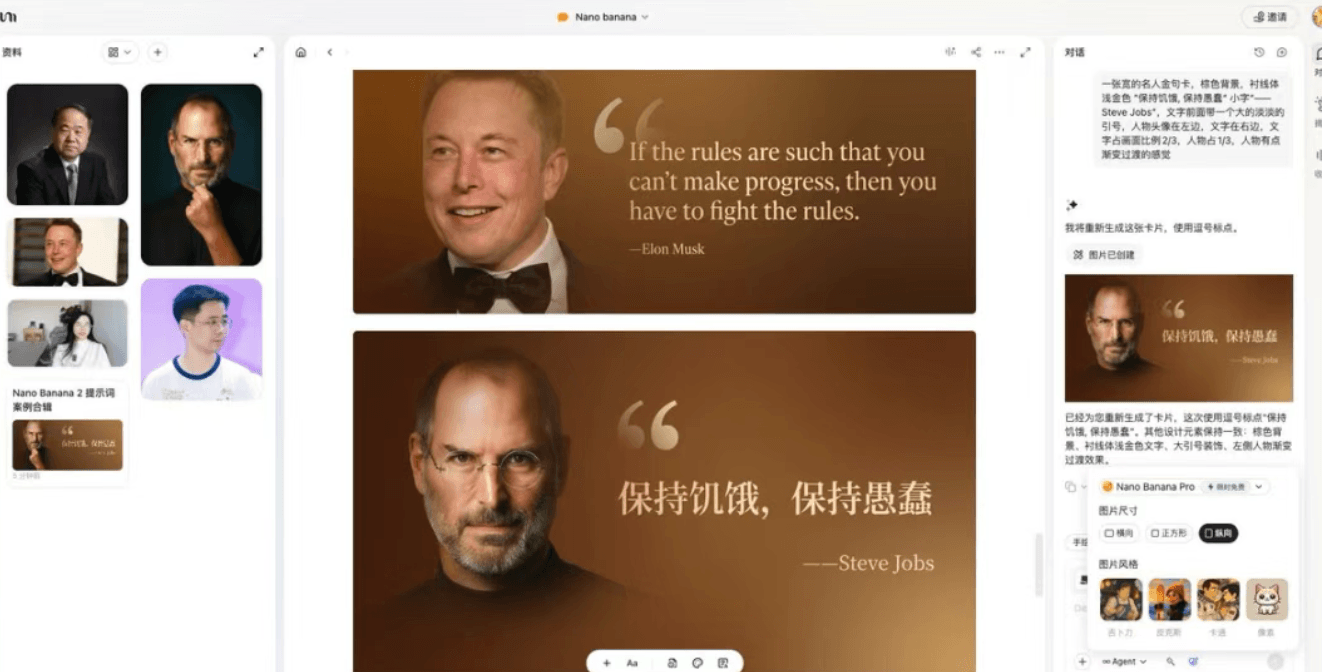
A GitHub prompt repo went viral: 11k Nano Banana prompts
A GitHub “prompt library” suddenly gained traction: people curated 11k+ Nano Banana prompts into a searchable, reusable repository. The real value isn’t the raw count—it’s turning scattered prompt “inspiration” into a repeatable workflow asset. Instead of starting from an empty textbox every time, you start from proven structures and quickly swap the subject, style, composition, specs, and constraints.
1) Why prompt repositories matter now
In 2026, the scarce layer isn’t “a model that can generate images”—it’s the translation layer: turning a vague idea into a stable, editable result. A good prompt repository helps you:
- Save time by avoiding repeated trial-and-error
- Increase stability by starting from tested structures
- Transfer patterns across models and workflows
That’s also why people search for “nanobanana prompts”, “nanobanana tutorial”, and “nanobanana entry”: they want production language, not just hype.
2) How to use the repo so it actually helps
If you treat it as a copy‑paste machine, you’ll be disappointed. Treat it as a library of prompt skeletons:
- Pick a deliverable type: poster, e‑commerce hero, storyboard, avatar, game asset, infographic
- Lock the output specs: aspect ratio, resolution, text or no text
- Rewrite the prompt by changing only 3 variables: subject, style, constraints
A simple “repo → result” pipeline:
| Step | What you do | Output |
|---|---|---|
| 1 | Pick the closest skeleton | a working baseline |
| 2 | Lock non‑negotiables (logo, copy, proportions) | stable constraints |
| 3 | Swap variables (subject/style/scene) | controlled variants |
| 4 | Second pass for copy and polish | usable final |
3) Migrating Nano Banana Pro prompts to nanobanana2
Most “Pro-optimized” prompts transfer well. The key is converting vague adjectives into executable specs:
- “premium” → studio gray backdrop + softbox + edge light + clean reflections
- “cinematic” → 35mm, shallow depth of field, side backlight, film grain, teal&orange grade
- “clean layout” → 12‑column grid, clear hierarchy, whitespace ratio, alignment
For stability, use a two‑pass workflow:
- Pass 1: composition and layout (don’t over‑optimize tiny text)
- Pass 2: accurate copy and detail edits (change only specified regions)
4) A reusable prompt rewrite template
Replace the brackets and reuse:
[Deliverable: poster / product hero / storyboard / infographic].
Subject: [what it is + key attributes].
Scene: [environment / time / mood].
Style: [photo / illustration / 3D / graphic design style].
Composition: [camera / framing / placement / whitespace].
Lighting & materials: [light direction, hardness, texture details].
Text (if needed): [exact copy + font vibe + placement].
Specs: [aspect ratio], [resolution].
Constraints: do not change [non-negotiables]; avoid [unwanted elements].
5) Summary
A prompt repository is only valuable when it becomes your reusable skeleton library. Combine that with nanobanana2’s instruction following and consistency, and image generation becomes a controllable production process—not a slot machine.