Nano Banana Pro Wedding Invite Stationery Batch Workflow
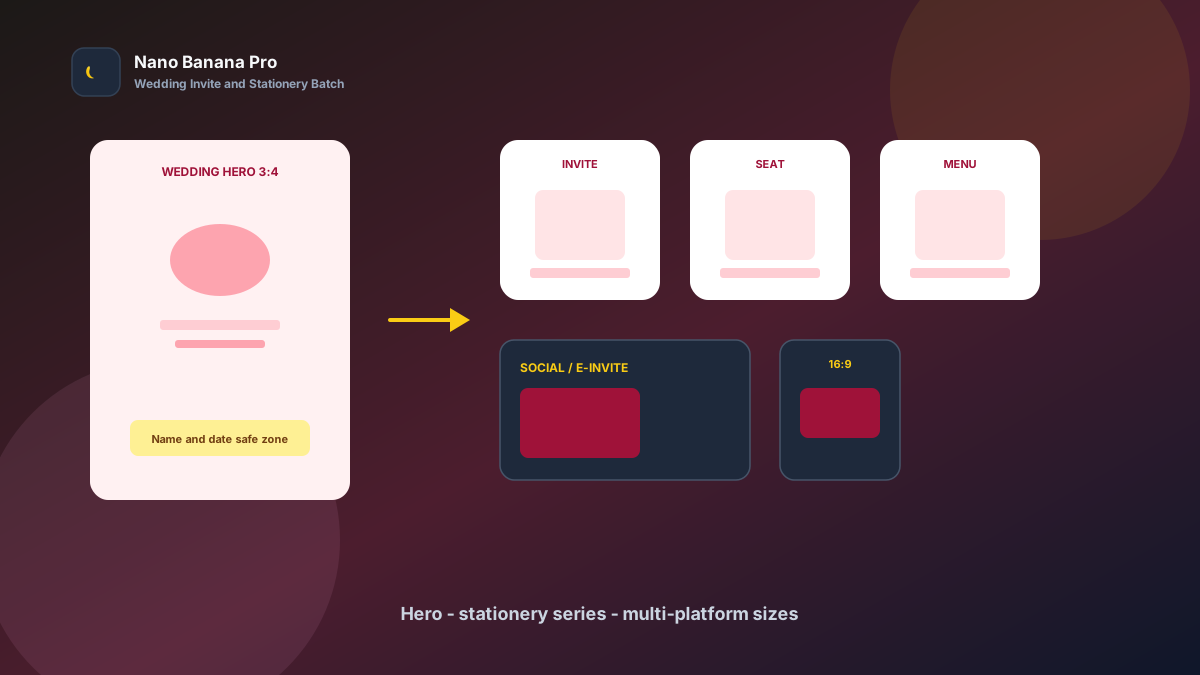
Wedding planning fears one thing most: a beautiful theme with scattered stationery. The main invite has one look, place cards swap fonts, and digital RSVP ratios do not match print. Guests feel the lack of care before they open the RSVP. Nano Banana Pro with Nano Banana img2img and txt2img turns “one wedding hero set + three template prompts” into a replicable wedding invitation and banquet stationery batch workflow: lock the hero mood first, then batch-extend invites, place cards, and multi-platform sizes. This article covers the full SOP.
Why Wedding Visuals Must Set the Hero Tone First, Then Layer Stationery?
Many couples “reroll” every asset alone, so the main invite feels watercolor, place cards go minimal, and the e-invite uses yet another color temperature. Guests suspect a last-minute patchwork. The scientific approach is to lock one high-recognition wedding hero (Wedding Hero) as the visual anchor, then copy the same motif, palette, and whitespace logic across every banquet piece.
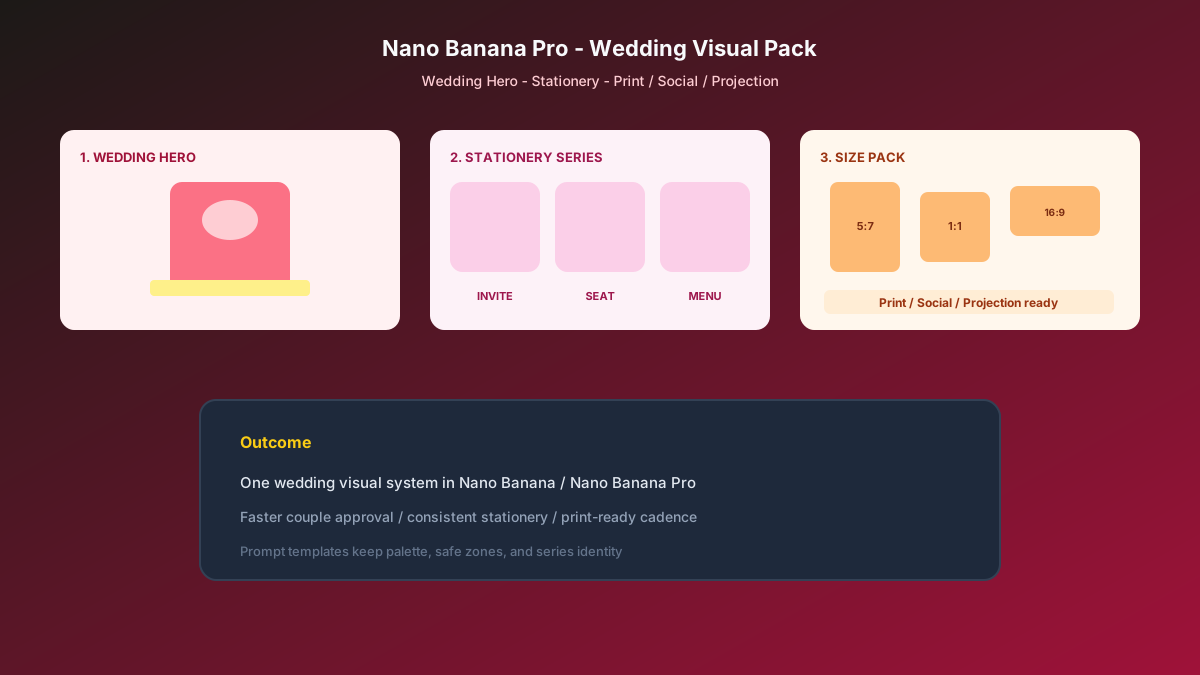
Nano Banana Pro builds on the fast generation experience of Nano Banana and suits wedding cases that need clear text safe zones, unified series identity, and print-plus-digital dual fit. Split the flow into three steps—hero tone-setting → invite/place-card extension → print/digital/social size pack—and you ship a full set like an assembly line.
Workflow Overview: One Hero, Three Output Types
Follow strict order: after the wedding hero is signed off, all stationery and channel images carry similar palette and graphic language—avoid “one wedding, many styles.” The three prompt templates below can be copied into Nano Banana / Nano Banana Pro—replace [brackets] with your wedding details.
| Stage | Output Type | Typical Use | Core Constraints |
|---|---|---|---|
| 1 | Wedding hero Wedding Hero | E-invite cover, mood board | Unified mood; reserve name zone |
| 2 | Invite / place card / menu | Print, tabletop stationery | Same style; readable type |
| 3 | Multi-platform size pack | WeChat / social / projection | Compliant ratios; key info not cropped |
Stage 1: Wedding Hero (Full Stationery Anchor)
Use for: e-invite covers, wedding mood boards, welcome-area heroes, studio backdrop reference.
Key steps
- Write the wedding style, season, and primary colors first (e.g. “autumn garden,” “minimal black-gold”), then start generating.
- Generate a 3:4 or 5:7 hero: subject centered, reserve a name-and-date safe zone in the middle or bottom.
- Archive with a version name (e.g.
wedding-hero-garden-v1.png) as the full-set style reference.
Generate a wedding hero visual: style [autumn garden / seaside sunset / minimal black-gold], mood [romantic soft / elevated restrained / lighthearted joyful];

Composition reserves [middle or bottom 30%] as name-and-date safe zone; forbid pressing key motifs into the safe zone;
Hero uses [floral border / ribbon and wax-seal cues / airy watercolor background], palette [brand wedding primary + neutral whitespace], avoid cluttered sticker look;
Quality suitable for invite covers, tone consistent with Nano Banana wedding visual standards: elegant, unified, print-ready.
Pro tip: State clearly “name-and-date safe zone” and “forbid information walls,” or AI packs the frame with dense decoration. In Nano Banana Pro, locking one hero then extending via img2img keeps series consistency far higher than pure txt2img per asset.
Stage 2: Banquet Stationery Extension (Unified Invite and Place-Card Mood)
After the hero sets the tone, batch by checklist: main invite interiors, RSVP cards, place cards, menu cards, and table numbers.
Based on the uploaded wedding-hero style, generate banquet art for stationery [main invite interior / place card / menu card]: keep [same palette system + same motif language], use case [print / tabletop display] clear and readable;

Requirements: belong to the same wedding as the hero; forbid a new art style on every piece; simple information hierarchy with a short-copy zone reserved;
Composition [5:7 / 1:1 / 2:3], suitable for **Nano Banana Pro** batch wedding stationery imaging.
Nano Banana multi-turn dialogue works well for micro-fixes: “finer floral border,” “cleaner background,” “more restrained gold accents”—faster than rewriting the full prompt. Fix stationery naming and archives for printer handoff:
- Hero: e-invite and mood board
- Main invite / RSVP
- Place cards / table numbers
- Menu cards / favor stickers
Stage 3: Multi-Platform Size Pack (Print, Digital, Social at Once)
After stationery is locked, extend channel specs—avoid re-cropping per platform and cutting off names or dates. Prepare at least these per wedding:
- 5:7 / 3:4: print invites and interiors
- 1:1 / 4:5: WeChat share images and Moments-style posts
- 9:16 / 16:9: vertical e-invites and horizontal welcome projections
Based on the uploaded wedding hero, adapt to [target ratio: 5:7 / 3:4 / 1:1 / 4:5 / 9:16 / 16:9] wedding placement size;

Strictly preserve motif recognition points, brand palette, and elegant mood; only adjust crop and whitespace by ratio;
[9:16 only] keep names and dates clear of the bottom 18% button/subtitle zone;
[16:9 only] keep left-right breathing room for welcome projection and landscape promos;
Output ready for print and digital channels, style consistent with Nano Banana wedding standards.
Brand Consistency: The Full Set Must Not Look Like Different Designers Made It
The most common batch-wedding failure is a new art style on every piece. When building planner / studio libraries in Nano Banana Pro, lock these habits:
- Same palette line: e.g. all “ivory base + sage green + champagne-gold accents”
- Same safe-zone rules: name-zone ratio; forbid information walls
- Fixed suffix line: “Consistent with Nano Banana wedding visual standards: elegant unity, clear type, no over-decoration”
If using real bridal portraits as elements, lock a reference and state “keep the same facial features and hairstyle” to avoid a “swapped person” feel across stationery. Always check bleed and resolution before print.
Batch Checklist (Countdown from the Wedding Window)
Count backward from the wedding day:
| Day | Task | Tool |
|---|---|---|
| D-10 | Confirm wedding style, primary colors, name spelling, and date | Sheet |
| D-8 | Generate wedding hero (Template 1) and lock the look | Nano Banana Pro |
| D-6 | Batch invites / place cards / menus (Template 2) | Nano Banana Pro |
| D-4 | Extend print / digital / social sizes (Template 3) | Nano Banana |
| D-2 | Proof copy, bleed, and print samples | Planner / print |
| D-0 | Send e-invites and sync social teasers | Ops |
Efficiency reference: Once fluent, one wedding’s hero plus 6–10 core stationery drafts can finish within a day. Teams using Nano Banana Pro shared templates also reduce style fracture from designers applying their own taste.
Case Study: Wedding Planner Delivered a Full Autumn-Garden Set in 5 Days
A wedding planning firm needed a full “autumn garden” stationery set for the couple within five days; outsourced designers were fully booked.
- Input: wedding style brief, primary HEX colors, couple names and date, venue photos
- Step 1: Stage 1 template made a 3:4 hero with a reserved name safe zone
- Step 2: Batch-generated invite interiors, place cards, and menu cards in the same style
- Step 3: Extended 1:1 WeChat images and 16:9 welcome projection art
- Output: print-and-send-ready asset pack, entire pipeline in Nano Banana
Planner feedback: couple approval sped up clearly; guests DMed “the invite obviously belongs to one set”; production cost was far below rush outsourcing. Structured prompts + stable Nano Banana Pro series imaging let the team spend time on venue and run-of-show.
Conclusion: Leave Romance to the Day, Leave Series Identity to the Workflow
Wedding experience is about first impression and end-to-end consistency. When stationery shifts from “last-minute collage” to “hero + template extension,” planning cadence steadies. Nano Banana Pro and Nano Banana fit as the execution engine for this wedding SOP—not stacking decoration, but letting every piece speak the theme mood clearly.
After your next theme lock, set the hero first, then open the three templates—you will find wedding batch imaging in Nano Banana as clear and controllable as a run sheet.
FAQ
Q: Will print look very different from the screen?
A: Emphasize in the prompt “print-ready, no over-HDR.” Export high resolution after sign-off and run a small sample print; Nano Banana Pro series extension is more stable than rerolling every piece.
Q: Many pieces—how do we stop style drift?
A: Always upload the hero as reference and write “same palette and motif language.” Spot-check the invite and place card first, then batch.
Q: How should Nano Banana and Nano Banana Pro divide work?
A: Nano Banana Pro for hero sign-off and high-demand series consistency; Nano Banana for size extension and micro-fixes. Templates are shared—pick the entry by account access.